
Two-Factor Authentication for Your Hosting Account
Your hosting account is the master key to your entire online presence. Anyone who gets into it can change your website, read your emails, access customer data, and even hold your business to ransom. That is why two-factor authentication, often shortened to 2FA, is one of the smartest and simplest security upgrades you can make. It adds a second lock to your account, so a stolen password alone is no longer enough to break in. For UAE business owners, turning on 2FA takes only a few minutes and dramatically reduces the risk of a devastating account takeover.
What Is Two-Factor Authentication?
Normally you log in with just one thing you know: your password. Two-factor authentication requires a second, independent proof of identity, usually something you have, such as your phone. So even if a hacker guesses or steals your password, they still cannot log in without that second factor.
The three common types of second factor are:
- Something you know, like a password or PIN.
- Something you have, like your phone or a security key.
- Something you are, like a fingerprint or face scan.
Two-factor authentication simply combines two of these, most often a password plus a code from your phone.
Why Your Hosting Account Needs 2FA
Passwords leak all the time. Data breaches on other websites expose billions of passwords, and because many people reuse them, attackers try those same combinations everywhere. If you have ever reused a password, your hosting login could already be at risk.
Consider what an attacker can do with access to your hosting account:
- Deface or delete your website.
- Steal customer records and personal data.
- Read and hijack your business email.
- Install malware to attack your visitors.
- Lock you out and demand payment.
Two-factor authentication blocks the overwhelming majority of these automated and opportunistic attacks, because the hacker almost never has your physical phone.
A password is a lock anyone can copy. Two-factor authentication is a lock that also needs the key in your pocket.
Types of Two-Factor Authentication
Authenticator Apps (Recommended)
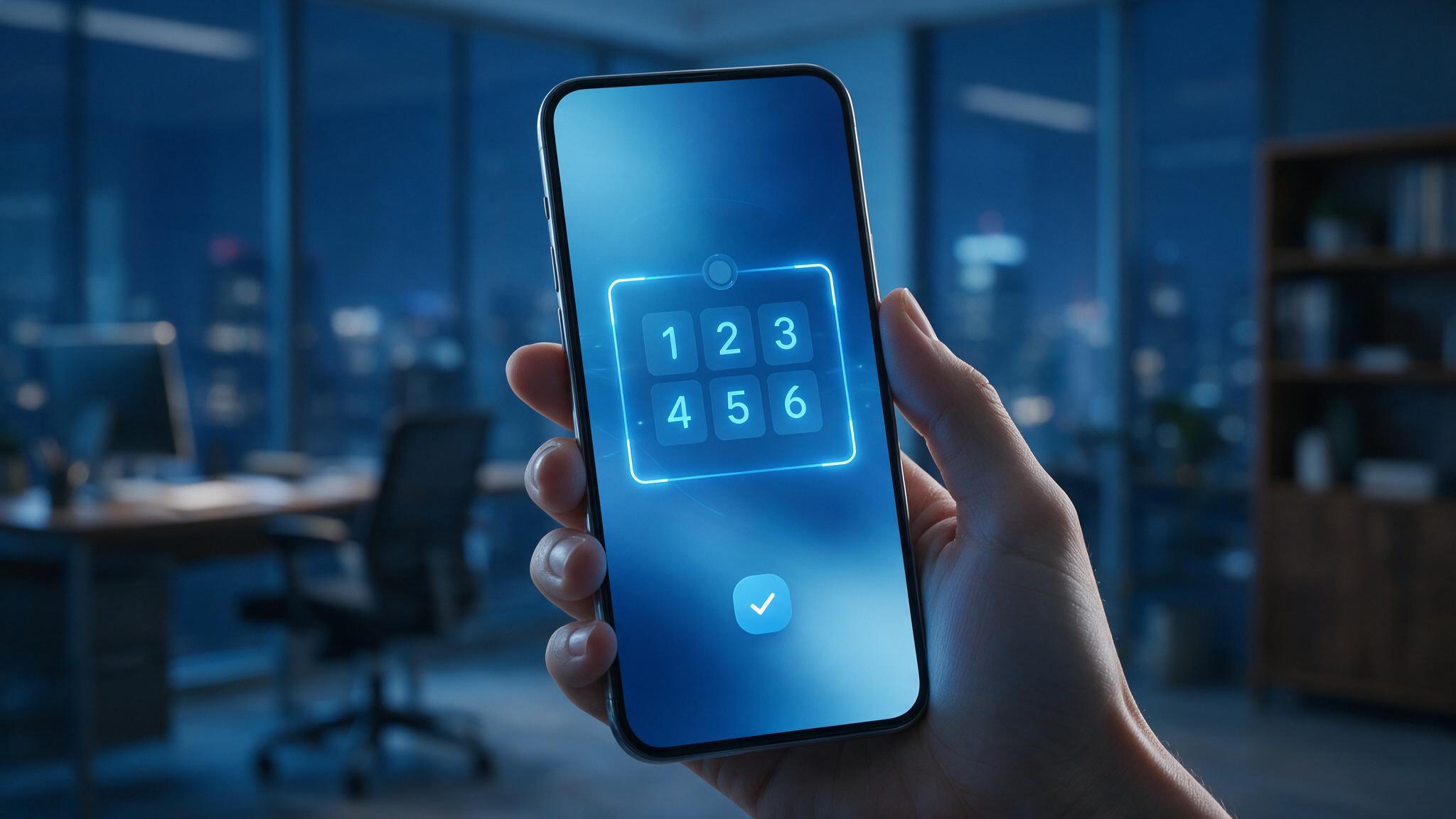
Apps such as Google Authenticator, Microsoft Authenticator, or Authy generate a fresh six-digit code every 30 seconds. This method is secure, works without a signal, and is not vulnerable to SIM swapping. For most UAE business owners, an authenticator app is the best balance of security and convenience.
SMS Codes
A code is sent to your mobile number by text. This is better than no 2FA at all, but it is less secure because criminals can sometimes hijack a phone number. Use it only if an app is not available.
Security Keys
A physical device you plug in or tap to log in. This is the strongest option and ideal for high-value accounts, though it costs a little more and is less common for everyday hosting use.
How to Set Up 2FA on Your Hosting Account
The process is quick and similar across most providers.
- Log in to your hosting control panel.
- Open the security or account settings section.
- Find the two-factor authentication or 2FA option.
- Choose your method, ideally an authenticator app.
- Scan the on-screen QR code with your authenticator app.
- Enter the code the app generates to confirm it works.
- Save your backup or recovery codes somewhere safe.
That is it. From now on, logging in will ask for your password and a fresh code, keeping your account locked down.
Do Not Lose Your Backup Codes
When you enable 2FA, you are given a set of one-time backup codes. These let you log in if you lose or replace your phone. Store them somewhere safe and offline, such as a locked drawer or a secure password manager. Without them, losing your phone could lock you out of your own account, so treat these codes as seriously as the password itself.
Extend 2FA Across Your Business
Your hosting account is the priority, but 2FA is valuable everywhere. Turn it on for:
- Your website admin login.
- Your business email accounts.
- Your domain registrar.
- Your payment and banking tools.
- Your social media accounts.
Each account you protect closes another door to attackers. If you manage a team, encourage or require everyone with access to enable 2FA too.
Frequently Asked Questions
Is two-factor authentication difficult to use every day?
Not at all. After setup, you simply open your authenticator app and type in a six-digit code when you log in. It adds a few seconds and quickly becomes second nature.
What happens if I lose my phone?
You use one of the backup codes you saved during setup, or contact your hosting provider to verify your identity and regain access. This is exactly why saving those recovery codes safely is so important.
Is 2FA really necessary if I have a strong password?
Yes. Even the strongest password can be exposed in a data breach or phishing attack. Two-factor authentication protects you in those situations, which is why it is considered an essential layer of security.
Add the Second Lock Today
Two-factor authentication is one of the rare security measures that is both extremely effective and genuinely easy to set up. In just a few minutes, you can make your hosting account far harder to compromise, protecting your website, your customers, and your peace of mind. If your current provider does not make security this simple, it may be time to switch. Choose secure UAE hosting with 2FA and strong account protection built in at Dirham A Day hosting and lock down your business today.
Ready to get online with a UAE host?
Fast local servers, free SSL, daily backups and support that answers. Set up in minutes.
See hosting plans