Free SSL With Let's Encrypt: A Simple Guide
You do not need a big budget to secure your website. With Let's Encrypt, any UAE business can install a free SSL certificate and switch to a secure HTTPS connection at no cost. For a startup in Dubai or a home business in Ajman watching every dirham, this is one of the easiest wins available. This guide explains what Let's Encrypt is, how to set it up, and how to keep it running without lifting a finger.
What Is Let's Encrypt?
Let's Encrypt is a non-profit certificate authority backed by major technology companies. It issues SSL certificates that browsers around the world trust, exactly like the paid ones, but it gives them away for free. The goal is simple: a more secure internet where every site can afford encryption.
The certificates it issues are Domain Validated, which means they confirm you control your domain. For the vast majority of UAE small businesses, blogs, and brochure sites, that is all you need to show the padlock and remove the dreaded "Not secure" warning.
Is a Free SSL Certificate as Good as a Paid One?
The encryption is identical. A free Let's Encrypt certificate scrambles data with the same strength as a certificate costing hundreds of dirhams. The differences are practical rather than technical:
- Validity period: Let's Encrypt certificates last 90 days, while many paid ones last a year. This sounds like a hassle, but automatic renewal removes the problem entirely.
- Validation level: Let's Encrypt only offers Domain Validation, not the business vetting found in Organisation or Extended Validation certificates.
- Warranty and support: Paid certificates sometimes include a warranty and dedicated support. Free ones rely on community help.
For most UAE small businesses that are not banks or large e-commerce platforms, a free certificate does the job perfectly.
How to Install Let's Encrypt Step by Step
The method depends on your hosting, but the modern approach is refreshingly simple.
Option 1: One-Click Through Your Hosting Panel
Most quality UAE hosting providers build Let's Encrypt directly into the control panel. The steps usually look like this:
- Log in to your hosting control panel.
- Find the SSL or Security section.
- Select your domain and choose the free Let's Encrypt option.
- Click issue or install and wait a few moments.
That is often the entire process. The certificate installs, and your site is ready to serve HTTPS.
Option 2: Automatic on Account Creation
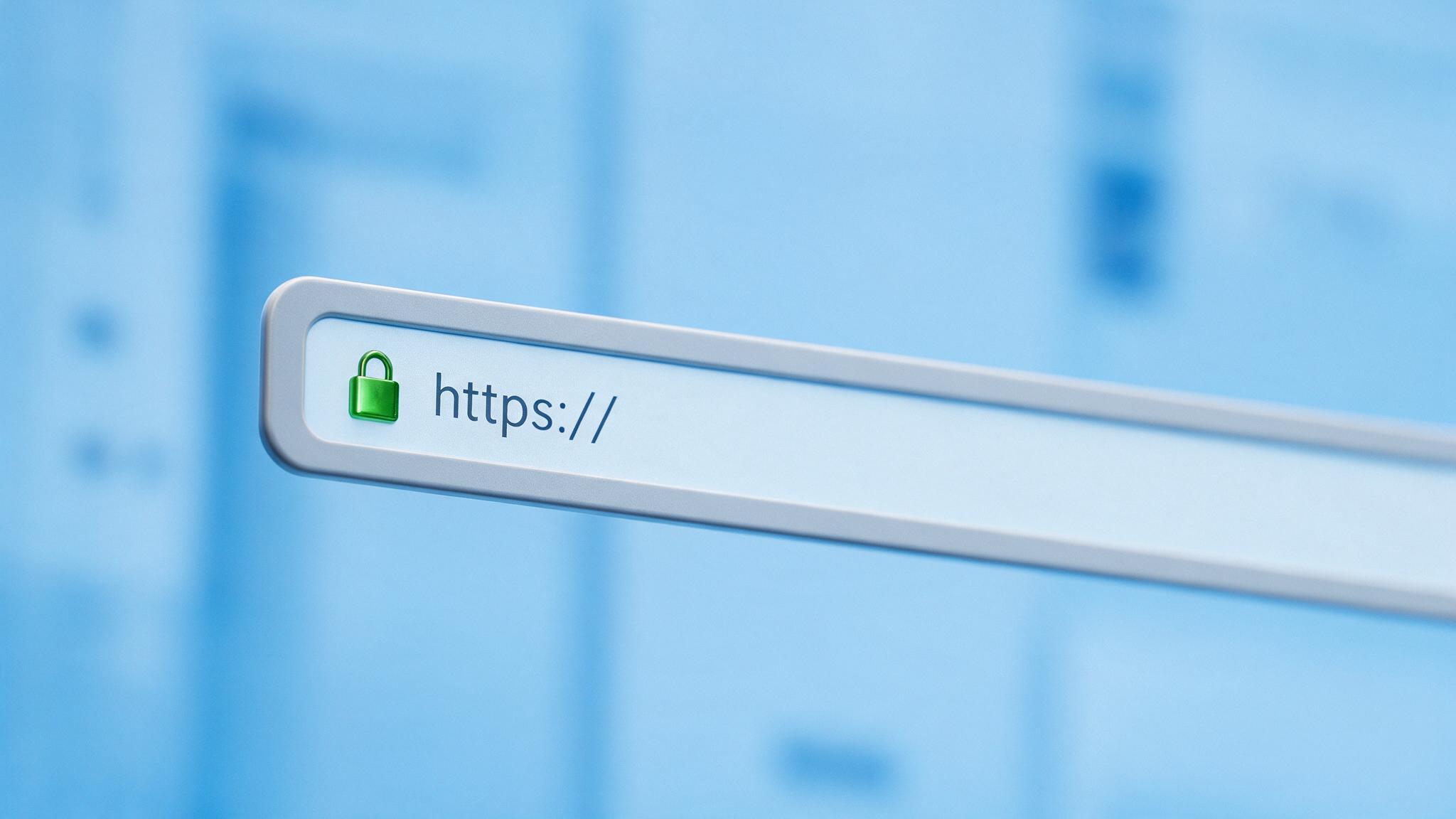
Some hosts issue a free certificate the moment you add a domain, so you may find your site is already secure without doing anything at all. Check the address bar for the padlock before you start.
Option 3: Command Line for Advanced Users
If you manage your own server, a tool called Certbot can request and install certificates from the command line. This suits developers and technical users who prefer full control. Most business owners never need this route.
The best SSL setup is the one you never have to think about again. Automatic renewal makes free SSL truly effortless.
Setting Up Automatic Renewal
Because Let's Encrypt certificates last 90 days, renewal matters. The good news is that it is designed to be automatic. When SSL is managed through your hosting panel, the system renews the certificate in the background before it expires. You get continuous protection with zero manual effort.
If you ever set up Let's Encrypt yourself, make sure a renewal task is scheduled. A lapsed certificate triggers a full-page browser warning that can drive customers away, so automation is essential.
After Installation: Finishing the Job
Installing the certificate is step one. To get the full benefit, complete these tasks:
- Force HTTPS: Add a redirect so every visitor is sent to the secure version of your site automatically.
- Fix mixed content: Update any images, scripts, or links that still load over http, or the padlock will not show.
- Update your tools: Change your website address to https in Google Search Console, your sitemap, and any analytics settings.
Common Problems and Quick Fixes
- Padlock not showing: Usually caused by mixed content. Scan your pages and switch every resource to https.
- Certificate not issuing: Check that your domain points to the correct hosting and that DNS has finished updating, which can take a few hours.
- Renewal failed: Confirm the automatic renewal task is active in your hosting panel and that your domain is still pointing to the server.
Frequently Asked Questions
Can I use a free SSL certificate for an online store?
Yes. The encryption meets payment gateway requirements. Larger stores handling high volumes may prefer a paid Organisation Validated certificate for extra assurance, but a free certificate is a strong starting point.
Will I lose the free certificate if I change hosts?
Not permanently. You simply issue a new Let's Encrypt certificate on your new host, which usually takes a couple of clicks. There is nothing to transfer or repurchase.
Get Secured for Free Today
A free SSL certificate from Let's Encrypt gives your UAE website the same trust signals and encryption as premium options, without touching your budget. When it is managed through good hosting, setup takes minutes and renewal happens on its own. There is no reason to run an insecure site in 2026. Choose hosting that includes free, auto-renewing SSL and secure your website today with Dirham A Day hosting.
Ready to get online with a UAE host?
Fast local servers, free SSL, daily backups and support that answers. Set up in minutes.
See hosting plans