
How to Stop Spam and Phishing on Your Business Email
Every UAE business owner wants to stop email spam before it wastes time and, worse, before a convincing phishing message tricks a staff member into wiring money to a fraudster. Spam is not just annoying, it is a security risk. In the UAE, where business is fast and much of it happens over email, a single successful phishing attack can drain an account or expose client data. This guide gives you practical, layered steps to cut spam and block phishing on your company email.
Understand the difference between spam and phishing
Spam is unwanted bulk mail, usually adverts or scams sent to huge lists. It is mostly a nuisance. Phishing is more dangerous. It is a targeted attempt to trick you into revealing passwords, bank details, or approving a payment. Phishing mail often pretends to be from a bank, a supplier, a courier, or even your own manager. In the UAE, common examples include fake courier delivery notices, fake bank security alerts, and fake invoices from a supplier you actually use.
Stopping both requires the same foundation, strong filtering and good authentication, plus staff who know the warning signs.
Layer one: strong spam filtering at the host
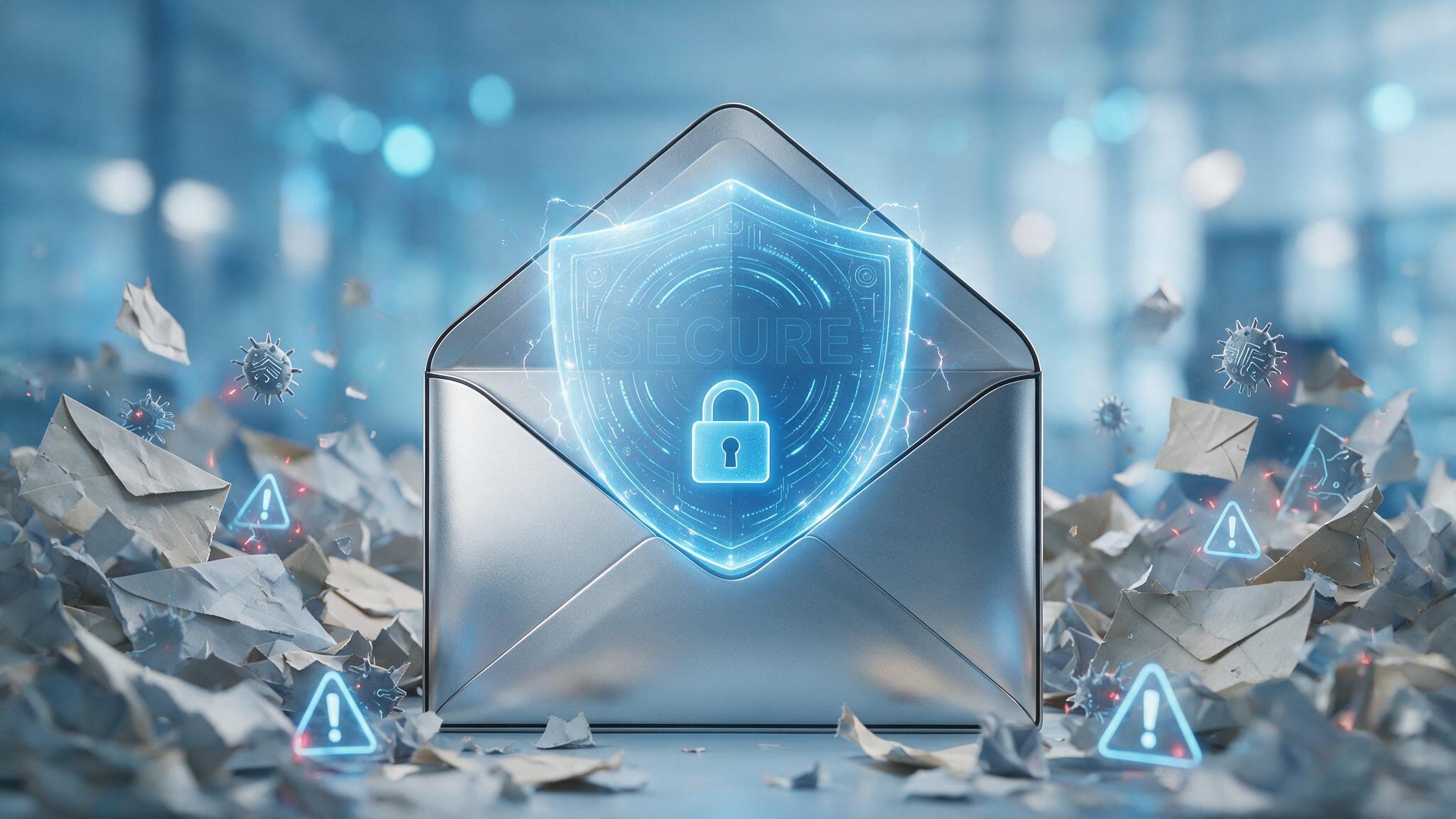
Your first line of defence is your email host. A quality provider filters junk before it ever reaches your inbox, using constantly updated rules and reputation databases. If you are drowning in spam, your host's filtering may be weak or misconfigured. When choosing or reviewing a provider, confirm that it includes robust anti spam and antivirus scanning as standard, not as a paid extra you have to hunt for.
Within your mailbox, train the filter by marking junk as spam and rescuing anything wrongly flagged. Over time this teaches the system what you consider unwanted.
Layer two: authenticate your own domain
This step is often overlooked, yet it protects both you and your customers. When you set up SPF, DKIM, and DMARC records for your domain, you make it much harder for criminals to send fake mail that appears to come from your business. This matters because a common scam is to impersonate a company to defraud its own clients.
- SPF lists the servers allowed to send mail for your domain.
- DKIM adds a signature that proves a message is genuine.
- DMARC tells receiving servers to reject or quarantine mail that fails these checks.
With a strict DMARC policy in place, a fraudster who tries to send fake invoices as yourcompany.ae will find their mail rejected. Your host can configure this for you.
Authenticating your domain protects your customers from scammers pretending to be you, which protects your reputation.
Layer three: teach your team the warning signs
Technology stops most spam, but the cleverest phishing slips through by targeting people, not systems. Train everyone on your team to pause and check before acting. The classic red flags include the following.
- A sense of urgency, such as act now or your account will be closed.
- A request to change bank details on an invoice, which is a hallmark of supplier fraud.
- A sender address that looks almost right but is subtly wrong, for example yourcompany-ae.com instead of yourcompany.ae.
- Links that do not match the company they claim to be from. Hover over a link to see the real destination before clicking.
- Requests from a manager or owner to buy gift cards or make an urgent transfer.
Set a firm rule that any change to payment details is confirmed by a phone call to a known number, never by replying to the email. This single habit prevents most business email compromise fraud.
Layer four: protect the accounts themselves
Even with great filtering, a stolen password undoes everything. Strengthen your accounts with a few basics. Use long, unique passwords for every mailbox, ideally stored in a password manager. Turn on two factor authentication so a stolen password alone is not enough to log in. Remove mailboxes for staff who have left, since dormant accounts are a favourite target.
What to do when phishing gets through
No system is perfect, so have a plan. If a suspicious message arrives, do not click anything. Report it to whoever manages your email so they can block the sender and warn the team. If someone has already clicked a link and entered a password, change that password immediately, enable two factor authentication, and review the account for forwarding rules a criminal may have added to secretly copy your mail. In the UAE, you can also report fraud to the relevant authorities and your bank if money is involved.
Frequently asked questions
Why am I suddenly getting more spam than before?
Your address may have appeared in a data leak, or it may be published openly on your website where bots harvest it. Strengthen your host's filtering, and consider using a contact form or a role address like info@ on public pages to reduce exposure.
Can spam filtering accidentally block real customer mail?
It can, which is why you should check your spam folder regularly at first and mark genuine senders as safe. A good host lets you build an allow list so trusted contacts always reach you.
Is antivirus on my computer enough to stop email phishing?
No. Antivirus helps, but phishing works by fooling people, not just infecting machines. You need filtering at the host, domain authentication, and trained staff working together.
Secure your business email with the right host
Stopping spam and phishing is not about one tool, it is about layers that work together, and it starts with an email host that takes security seriously. Dirham A Day provides UAE businesses with strong spam filtering, built in domain authentication, and local support to help you lock down your accounts. Protect your company and your customers by moving to secure, professional email at dirhamaday.ae/hosting.
Ready to get online with a UAE host?
Fast local servers, free SSL, daily backups and support that answers. Set up in minutes.
See hosting plans